

A phone always needs an inbuilt setup to perform according to the customer’s desire. After using a phone for many years it might show the problem. While solving that problem we all need a particular setup known as the factory setup. While using that setup it reorganizes the system internally and gets the original Setup back. While in the process it washes all the present data of the particular device. If something important is there on your phone please restore it on other devices.
Customers have got a hundred reasons to go for a factory set up in the Samsung devices. This factory setup is done on anyone’s phone when they are in trouble or need to give their phone to somebody else or willing to start from the beginning. This process is not reversible and nothing comes back.
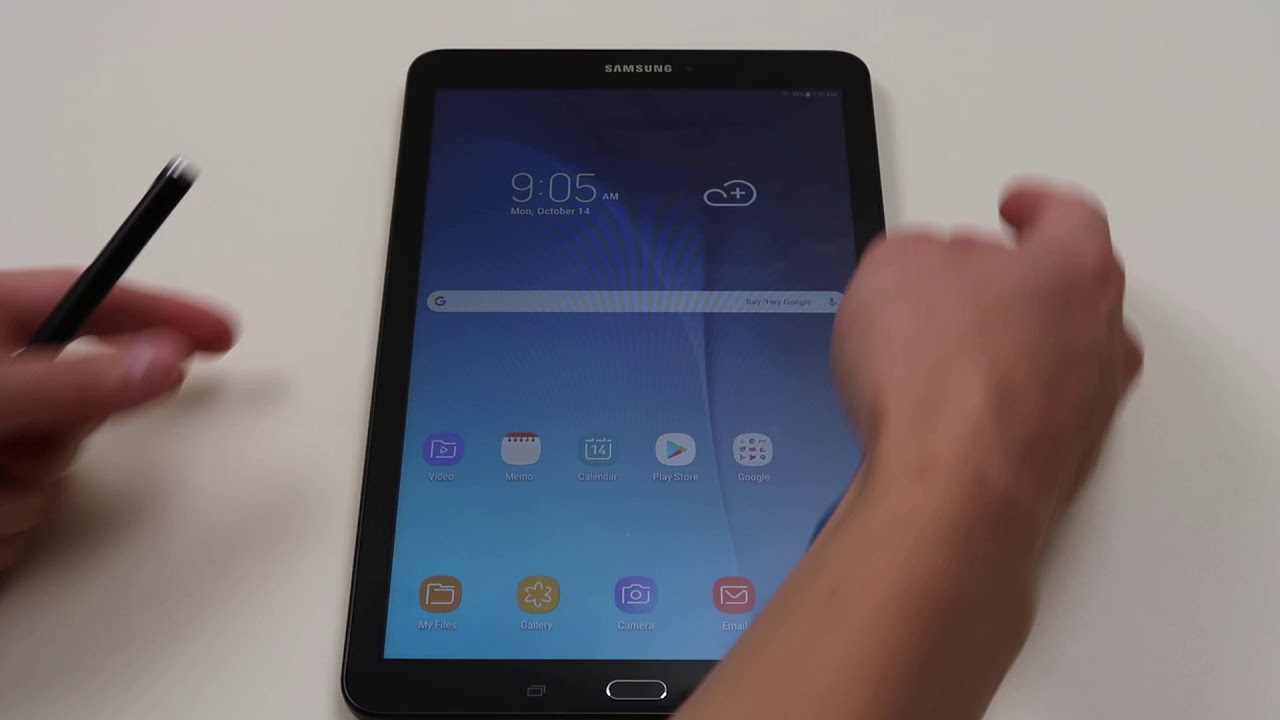
For having a factory reset on Samsung mobile phone first you have to go to the dropdown menu and then the factory reset option. A complete operating system is an inbuild that controls the processing.
Factory Reset through the Settings.
While someone wishes to reset his or her device and has forgotten to lock the screen. For them, there are a couple of ways through which it can be done remotely as well. During the processing, the phone should be kept in an open mode as network connectivity is a must. If for example the system gets locked out then only the previous restored information’s are only available. Nothing new is found.
For the reset process of the device, it will need a Sign in to the Google account as well. The modern security process is generated to keep the phone’s information safe and secure from Hackers. If ever someone‘s phone gets stolen nobody can have access to the accounts because of this inbuild setup process.
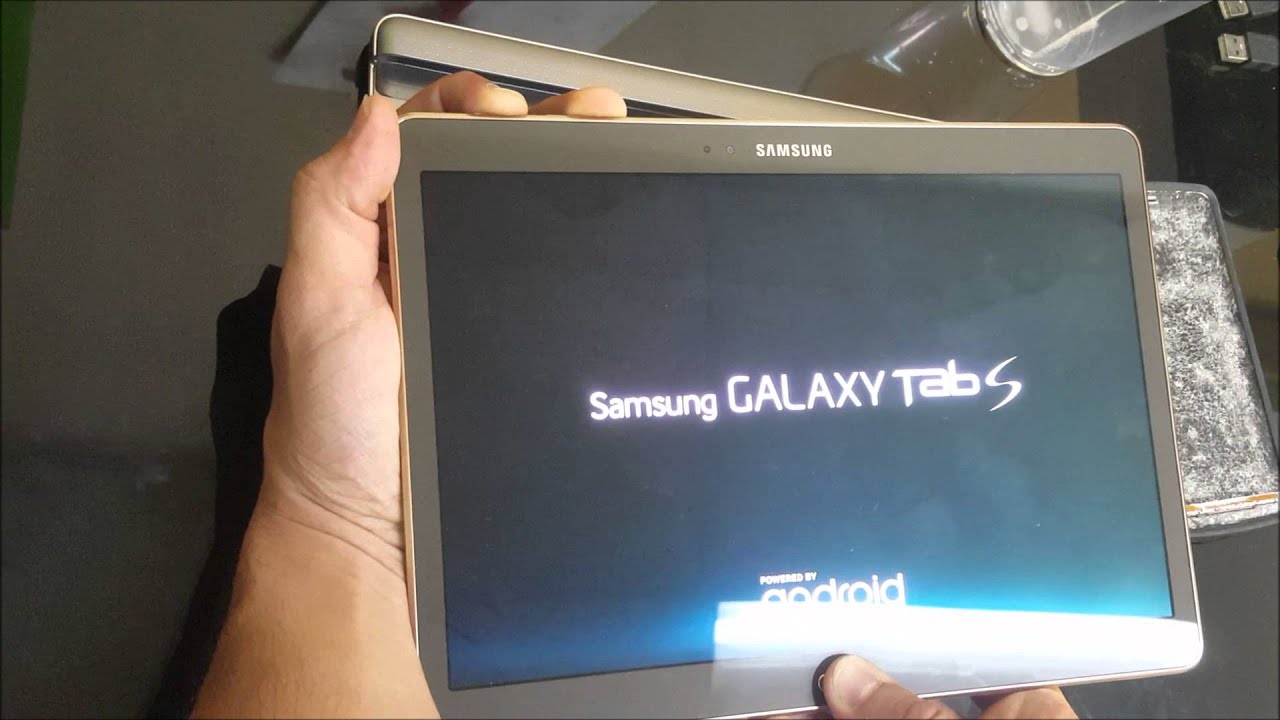
Factory Reset through Find my Device?
For these processes, there are three steps no 1 follows the process of signing in to the Google account as always. Then following that the device will receive a notification then click on the erase device set up and then erase on the warning notification popping up. Then automatically the reset procedure will start. After the processing finish, the screen will again become visible below.
Windows Open for Complain.
For the customers, a special window is already opened by the Samsung official. Any customer-facing problem can send an error report by questioning through the Members App only. Any reports of Samsung devices are noticed only.
Samsung officials said these will allow us to take an appropriate look at what is happening in our brand. They also mentioned that the data is not revealed and only held for the official purpose during the time of the investigation.
“Always stay updated with Us and visit GeeksULTD for real-time updates.”


