

Twitch is the platform where gaming enthusiasts go to watch their favorite titles and games being played. Since the year 2020, the platform has seen an increase in popularity. As one of Twitch’s 30 million daily active users, you’re interested in learning how to view chat logs.
Twitch has a chat log.
The Twitch chat room is a useful tool for building active gaming communities. While you are watching a live stream, you can communicate with other viewers via the chat feature. The Chat window is a vertical bar that sits next to the stream window, allowing you to converse while also streaming.
As a result, Chat serves two functions. It is how users react to the streamer in real-time and how the streamer’s followers engage with one another.
Streamers may want to check the Chat to make sure it isn’t filled with improper comments before starting their stream. Swearing language, hate speech, and abusive comments are examples of things that could be considered violations of Twitch guidelines.
In conclusion, there are strong reasons to manage and monitor Twitch conversation logs. You can, however, do so either as an owner or as a moderator.
If you’re only interested in seeing, there are third-party apps that can keep track of your messages. Checking other users’ chat logs, on the other hand, is a violation of Twitch’s privacy policies. Twitch has made it easier to monitor Twitch chat over time by introducing new tools. However, without the use of third-party applications, there is no straightforward way to review entire chat logs.
Here’re the possibilities you get:
A moderating tool allows channel owners and moderators to check individual visitors. In essence, it will enable you to observe the complete chat history of a given viewer.
You can view your Twitch VOD. This is the archive or your broadcast, and you would have to configure your channel to save the record in the cloud.
Third-party apps can download whole chat logs after you join a session. It’s a technique to check the complete chat.
There’s currently no way to manually check a video’s conversation log through Twitch.
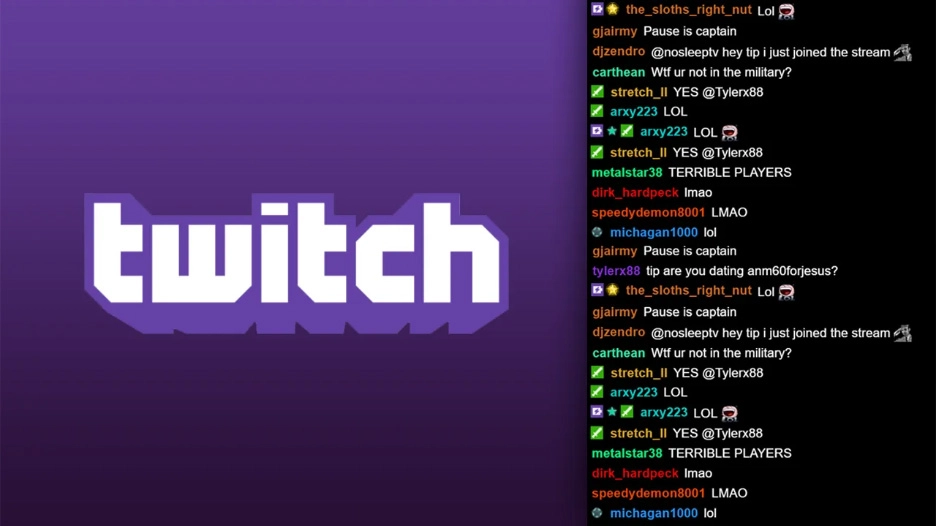
Check Twitch Chat via the Search Function
The search function is the first of these methods. It’s a convenient way to quickly check on specific users. In particular, the search function checks to verify if the user has previously been banned or given a timeout by the administrator.
The search function and the moderating tools are accessible to both the chat owner and moderators who have been granted permission:
The steps are as follows:
To begin, go to Twitch and sign in with your account information.
Wait for the chat room to load after you’ve selected your channel.
If you’re looking for a certain user, try using the search option. You would need to know the user’s name to proceed. The procedure is as follows: /user username
Enter the keystrokes
If the stream is live and users are conversing, you can take the following actions:
The chat can be terminated by scrolling up or down once with the mouse wheel.
Locate the user whose credentials you want to verify.
Its user name can be accessed by clicking on it.
Either approach allows you to access the user card. The number of bans, timeouts, and messages that they have is displayed in their profile. It is possible to view the whole history of communication by selecting it and clicking it.
Always be Updated with us visit GeeksULTD for Real-time Updates.





