When it comes to the Origin stuck on restarting download issue, there have been several reports of this problem, and it is not a new problem. And in the meantime, this is a pretty frequent problem with the Origin client.
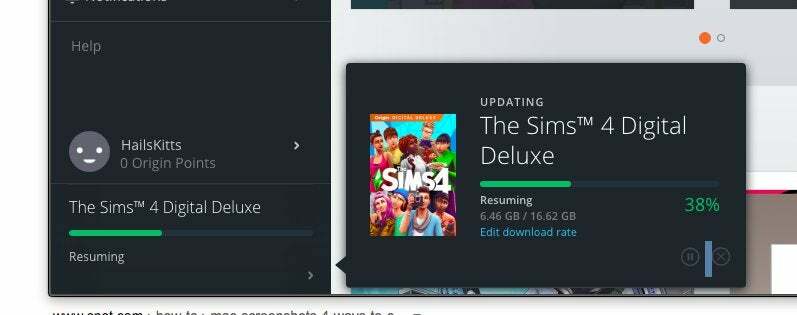
As a result, we don’t believe EA will be able to resolve this issue. Fortunately, there are a handful of remedies that you really should try out at least once. Have you ever had an issue with Origin Stuck on Resuming any type of game download on Windows? If so, you’ve come to the correct spot. To begin, Origin is a content distribution platform that serves as an online gaming shop established by Electronic Arts (EA).
What Causes the Origin Failure in Resuming Download?
Ascertain that internet access is not a problem. You may also verify your ethernet or Wi-Fi connections. Try going to Task Manager and closing all of the high CPU/memory demanding background running activities, including the Steam client. After that, restart your computer and verify the Origin download.

To verify/repair the games, as they might get damaged or missing due to a variety of factors. A Dynamic IP modification that resulted in impacting the downloading is one of the most prevalent factors that would eventually cause this issue. If you’re using Windows 11, the problem is likely caused by the fact that the program isn’t entirely compliant with the latest insider versions of Microsoft’s newest operating system.
There are a few antivirus programs (with a firewall function) that are widely circulated for interfering with Origin’s downloads. Unfortunately, in these situations, the only solution is to deactivate or remove the overprotective suite. Another possible cause of this kind of problem, it turns out, is if temporary files connected with Origin are accidentally deleted.
How to Fix Origin Stuck on Resuming Issue?
Ensuring that client is operating as an administrator is really important. First and foremost, ensure that the Origin client is operating as an administrator. And once that is accomplished proceed to these first-aid options before trying on the steps mentioned further in this article.
- Make sure the inserted HDD partition is formatted in NTFS rather than FAT32. Because the FAT32 formatted partition has a maximum storage writing restriction of 4GB. It is not possible to allow more than around the same time. (if you are still on HDD)
- You may also do a fresh boot on your computer. To begin, select Start > MSConfig > is the command to use. The Configuration Management window will appear > Services > Select ‘Hide all Microsoft Services’ from the drop-down menu > Disable all by clicking the ‘Disable all’ button > Click Start > Task Manager > Right-click on each program and select Disable > Task Manager should be closed > Choose System Configuration > Advanced Options. To save your changes, click OK.
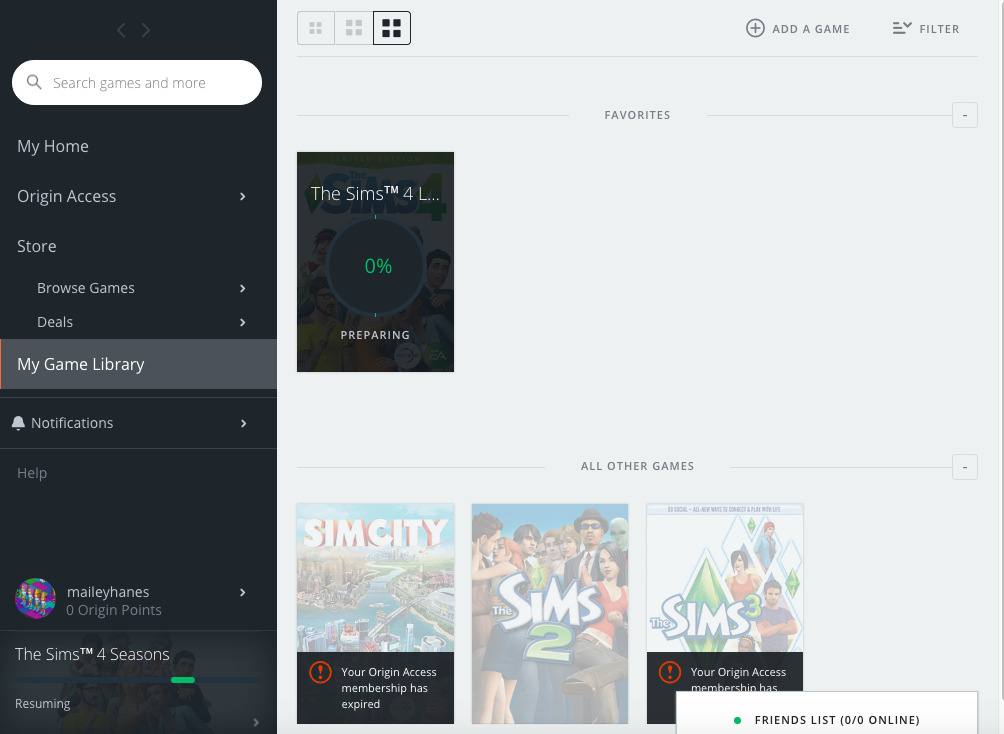
1. You should Restart the Client
- Close the Origin application.
- In Windows, right-click on a blank space of the taskbar and pick Task Manager.
- Make that no Origin-related processes are running in the Processes tab. If this is the case, right-click on all of these processes and select End Task from the menu.
2. Exit the Origin client to clear the cache files
Except for the LocalContent folder, navigate to C: Program/Data/Origin and remove all files or folders in this directory. Select the Origin folder in the C: Users/AppData/Local directory and remove it. Go to the C: Users/AppData/Roaming directory and remove the Origin folder there.
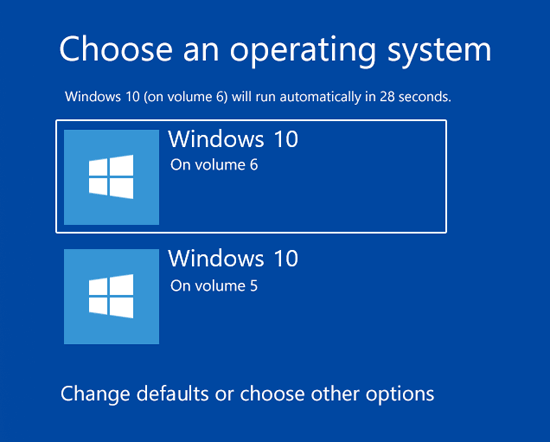
3. Windows should be booted clean
- To start with press the Windows key + R keys on your keyboard.
- To access the System Configuration, type “MSConfig” in the Run box and hit Enter.
- Select the Services tab, check to Hide all the MS services, and then disable everything.
- Open Task Manager by selecting the Startup tab and clicking the Open Task Manager button.
- Select each startup item in Task Manager’s Startup tab and disable it by clicking Disable.
- Restart your computer by returning to the Configuration Management window and clicking Restart.
How to Restart a Game After It Has Been Updated?
Apex Legends, like other games, has a variety of technical issues despite the intense gameplay and novel ideas. Today, we’ll discuss and propose remedies to Apex Legends’ concerns with returning to. So, without further ado, let’s get started.
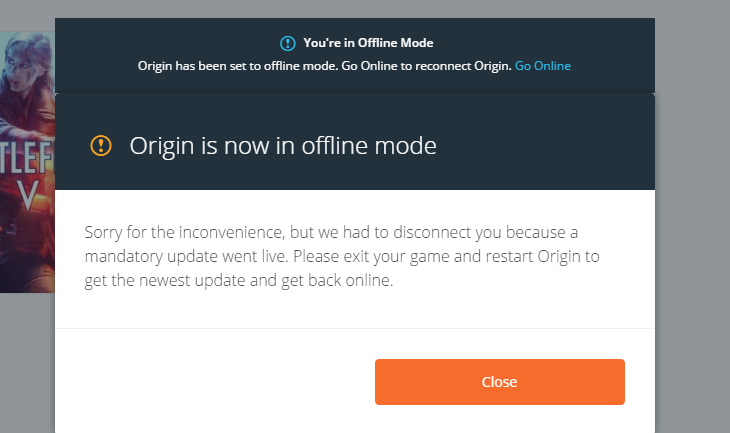
- To begin, go to the top left-hand corner and hit the Go Offline button.
- Following that, the download will now display the X button.
- End the download by clicking the “X” button.
- Return to the webpage by going back to the upper left corner.
- All of these should cause the game to start downloading and preparing before restarting.
However, if you follow the procedures above, you’ll see another typical blunder. When downloading your game, there’s a risk it’ll get stopped at 8.46GB. If you find yourself in this situation, attempt the following steps:
- You may cancel the download by using the cancel button. Option.
- Then, in Origin, navigate to My Game Library.
- Then right-click the game and select Repair from the menu.
- It is advised that you double-check the game’s file and restart your download.